
Everything your development needs to stay connected.
For buyers
Every buyer gets their own page.
After signing, the buyer gets a link to their apartment’s own page, in the developer’s brand. On their phone they see everything they would otherwise call the office about — no account, no password.
- Payments and the next instalment, with a receipt for each one paid
- The signed contract, ready to download
- The finishes they chose, and what they cost
- The key handover — they pick the time themselves
- Problems after moving in, reported with a photo
- The warranty, and when it ends
- Photos of their apartment being built
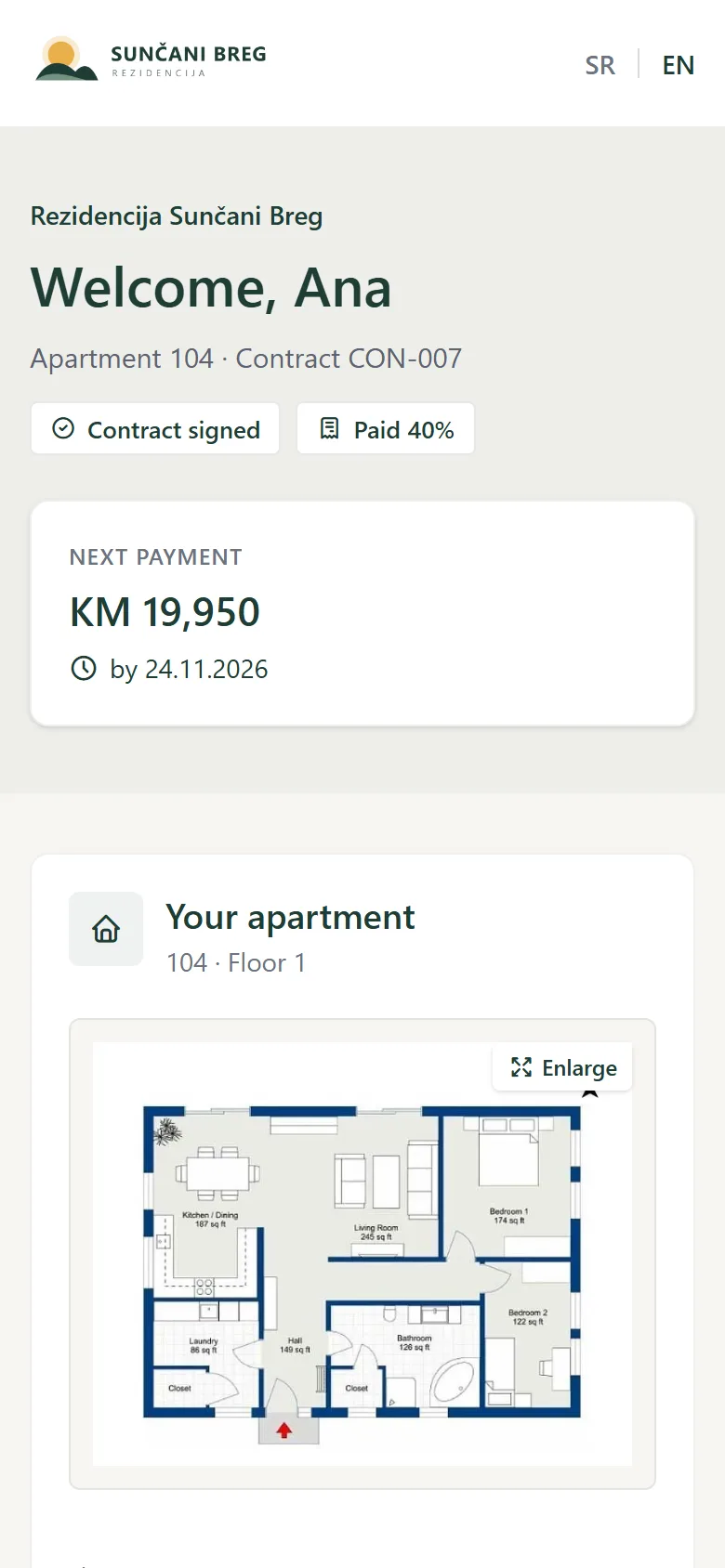
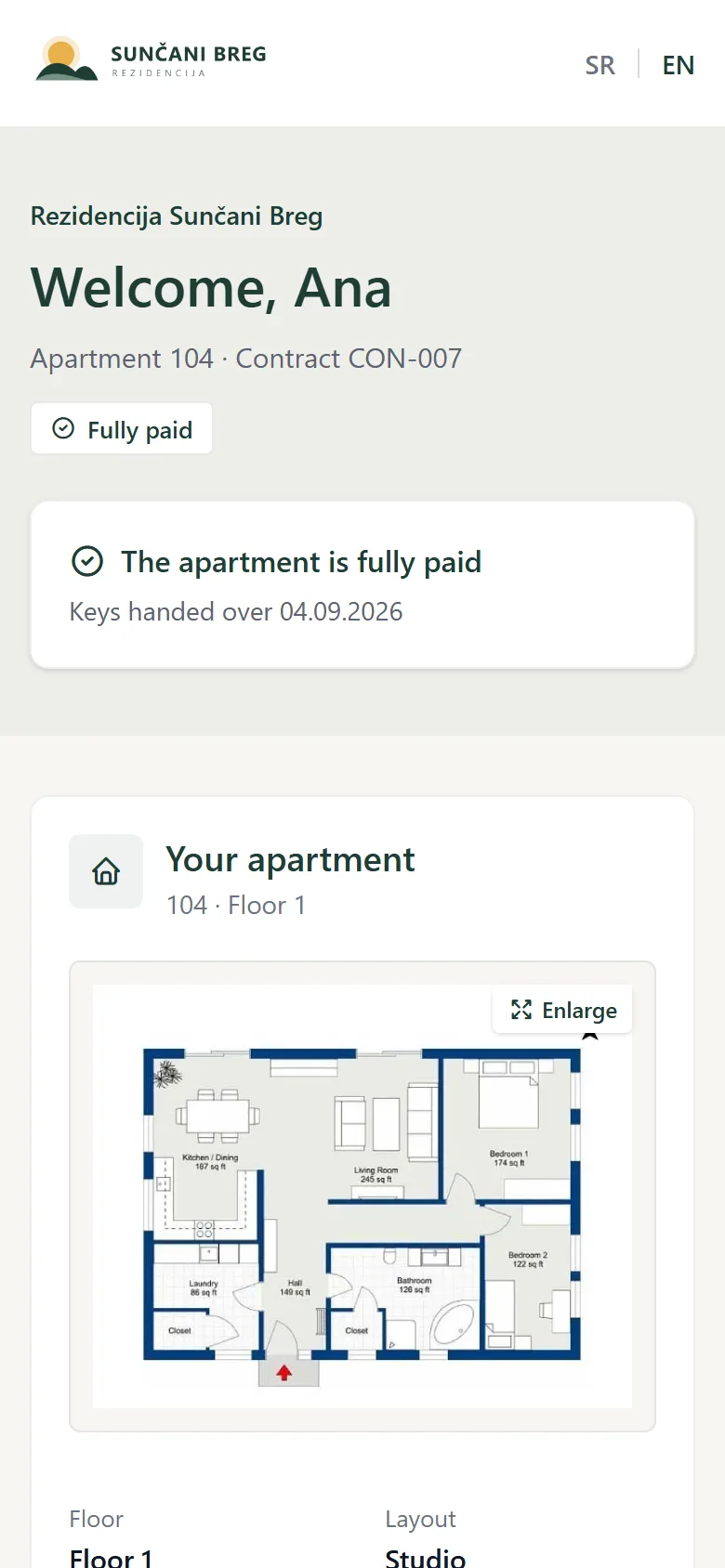
How a buyer gets in
The link goes out by e-mail by itself when the contract is signed. A new phone or computer also asks for a six-digit code sent to the buyer’s e-mail; the device is then remembered for 30 days.
What the office gets
Fewer calls and messages: buyers see what they have paid and what comes next. When a buyer books a handover time or reports a problem, the sales team gets an e-mail.
In the developer’s brand
The developer’s logo, colours and contacts, in the project’s language — Serbian or English. Phasivo is not shown anywhere.
Project management
The shared operational view of where the project stands.
- Phases & Gates
- Tasks
- Risks
- Decisions
- Changes
- Documents, with a warning before they expire
- One search across the project (Ctrl+K)
Financial control
The money side of the project, next to the operational data.
- Budget
- Expenses — invoices and receipts read automatically
- Cash Flow
- PDV: input and output VAT, the net amount, Excel for the accountant
- Excel exports and a PDF project report
Construction
Contractors and their work, inside the same project.
- Contractors
- Work contracts — paid to date, remaining, guarantee period
- Progress bills with line items, read from the contractor’s document
- Progress through approved situations
- Construction documents
- A contractor portal — or e-mail only, for those who prefer it
- Defects assigned to contractors, repairs confirmed with a photo
Sales
Every apartment, connected to its sales status.
- Apartments — bulk price changes with a price history, import from Excel
- Leads — from the project page and the configurator, by themselves
- Reservations with a deposit, a confirmation to the buyer and automatic expiry
- Contracts from your own Word template — pre-contract, sales contract, annex
- Payment plans — the deposit as the first instalment, reminders to buyers
- Agency and commission
- Reports: lead funnel, commissions, sales velocity — with Excel export
Handover & after-sales
The project stays useful after construction.
- The buyer’s own page — payments, documents, finishes, progress photos, handover
- Key handover: buyers book a time online
- Defects reported by buyers, with photos
- Warranty for each apartment, from the handover date
- Contractor guarantee expiry tracking
- Cadastral registration
- Owners’ association and common equipment
Project website
A public page for each project, from the same data.
- The developer's own branding and domain
- Apartments with live availability, floor plans and photos
- Gallery, location and construction progress
- Call, WhatsApp, Viber and an enquiry form — every enquiry becomes a lead
- Apartment configurator — finishes and price; the buyer’s choice goes into the contract
- An apartment feed for property portals
Less retyping
What repeats, Phasivo does for you.
Phasivo reads your invoices
…and contractors’ progress bills
Contracts from your own Word template
Leads arrive by themselves
Confirmations and reminders
Everyone gets their own notices
Made for how it’s done here
Serbian and English
The app, the project page, the buyer’s page and the e-mails — everyone in their own language.
KM or euro, with VAT
A currency per project; PDV, JIB, pre-contracts, the notary and progress bills the way they work here.
On the phone
The admin, the buyer’s page and the contractor portal work on a phone as well as a computer.
No charge per user
The whole team, contractors and buyers — each sees only what is theirs.
Inside the demo project
Real screens from the fictional demo project — the same one you can open yourself, read-only, with one click.